¶ User Manual
¶ Sign in
At present, two sign-in methods are supported: Google account and ORCID.

Please note, however, that logging in with a Google account and logging in with ORCID are treated as separate users. Currently, there is no feature to merge the data between them.
¶ Registration
In order to register structures into GlyTouCan, it is necessary to sign up to the site using either Google Authentication or ORCID Authentication.
For user management purposes, GlyTouCan will request your email address from Google, or your ORCID from ORCID, respectively.
¶ Graphic Input
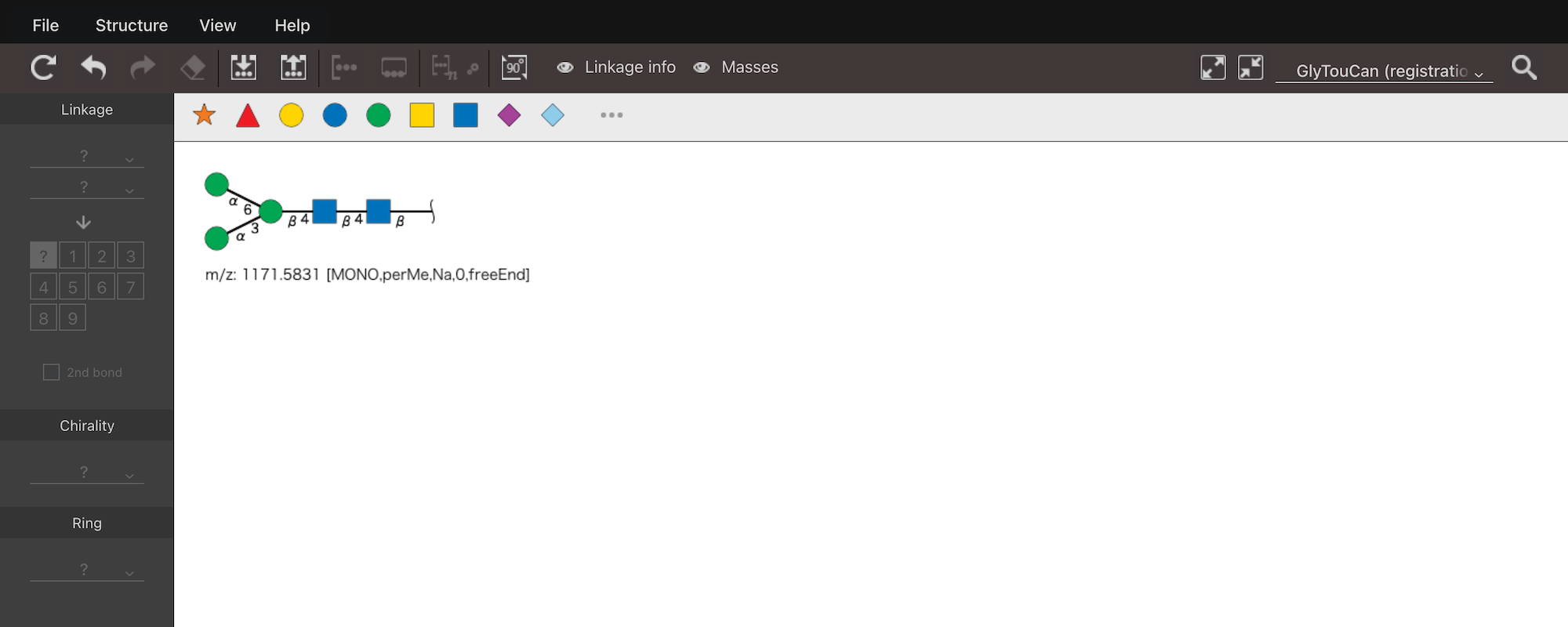
The glycan structure drawn in Graphic Input is converted into WURCS format and entered into the Text Input field.
¶ Text Input
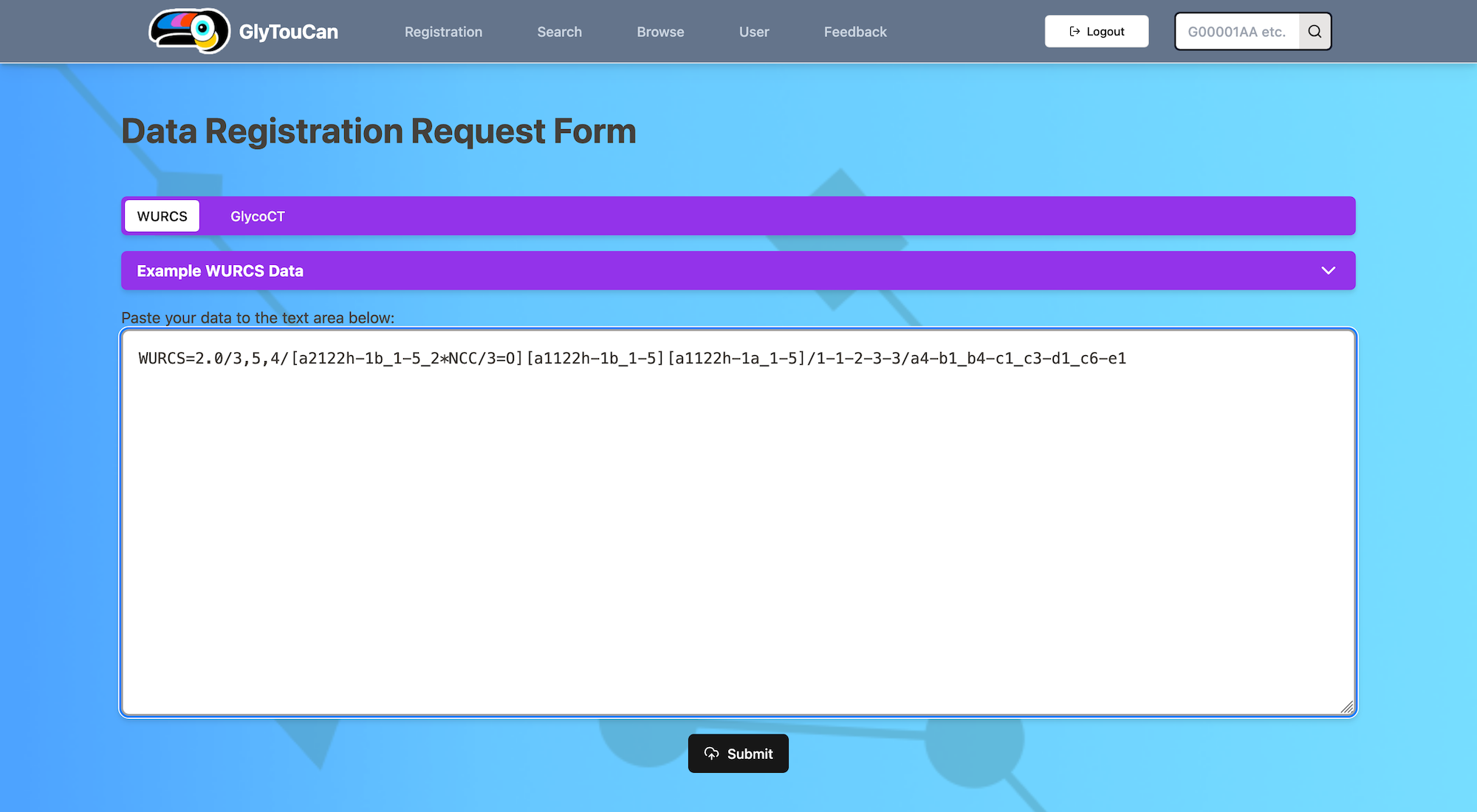
Enter WURCS or GlycoCT in the input field and click Submit (select the appropriate tab for GlycoCT).
¶ Search
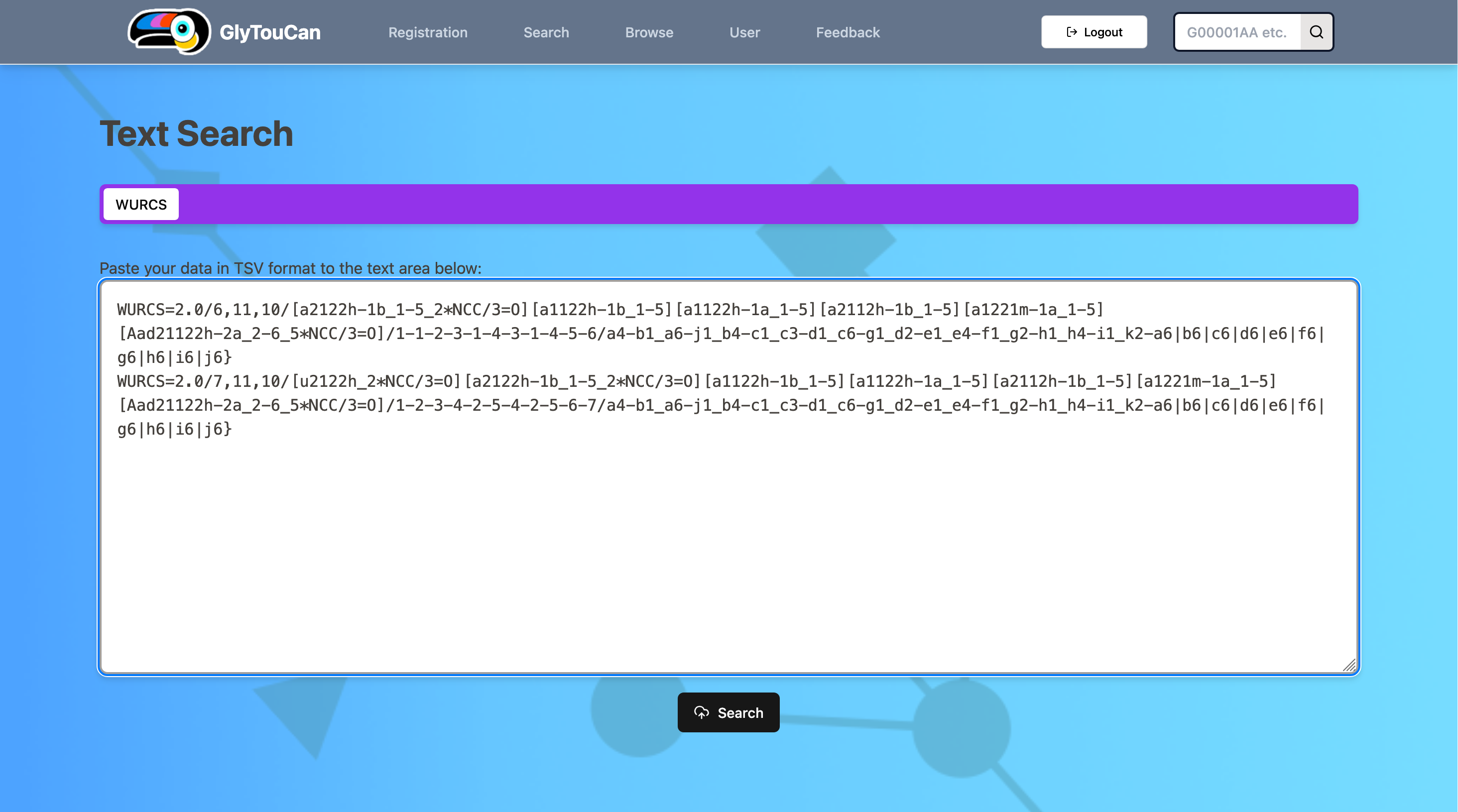
Exact-match search by WURCS is supported.
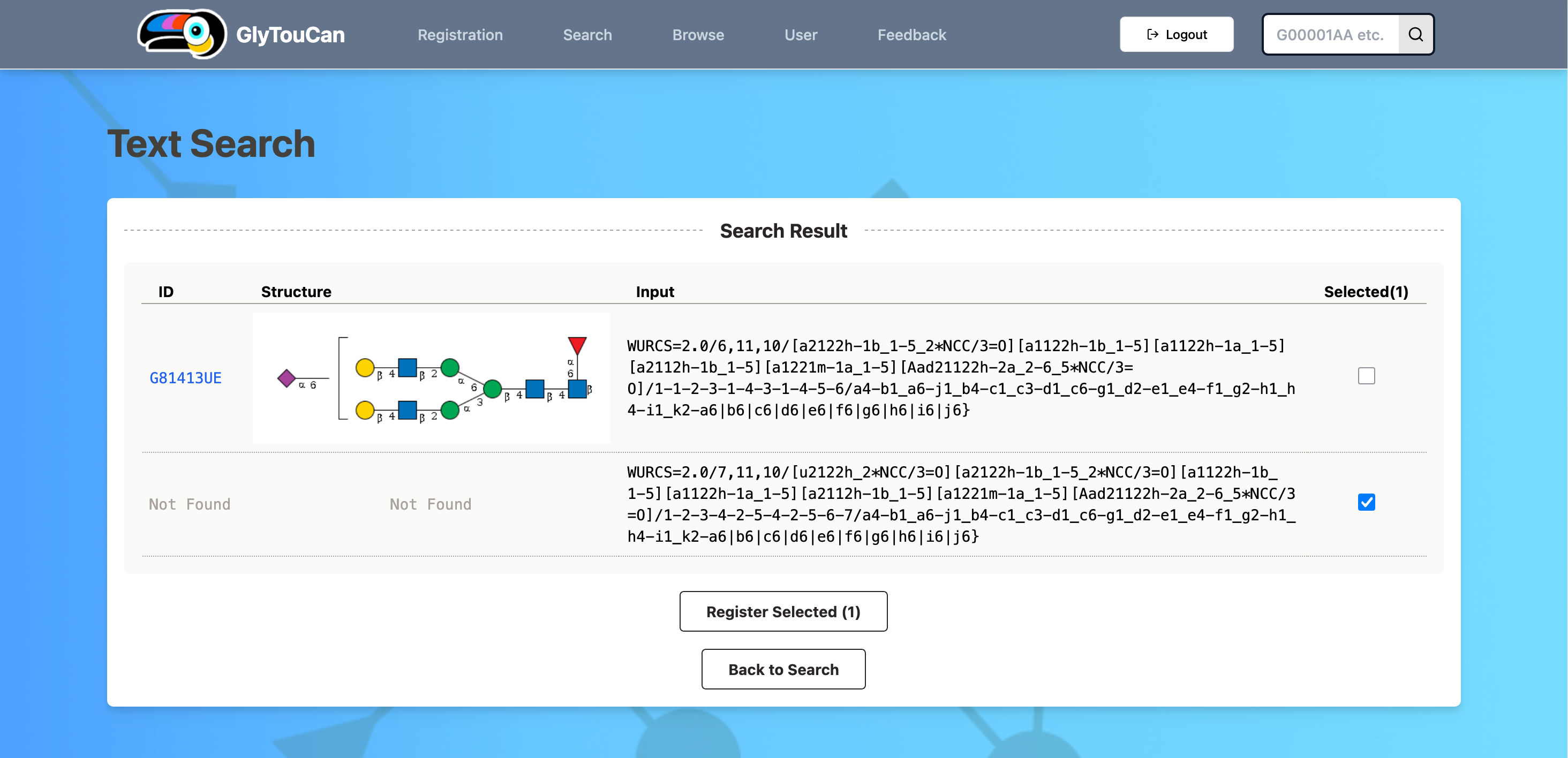
If the WURCS is already registered, its accession number will be displayed. If it is not registered, you can proceed to the Text Input page via the "Register Selected" button.
¶ Browse
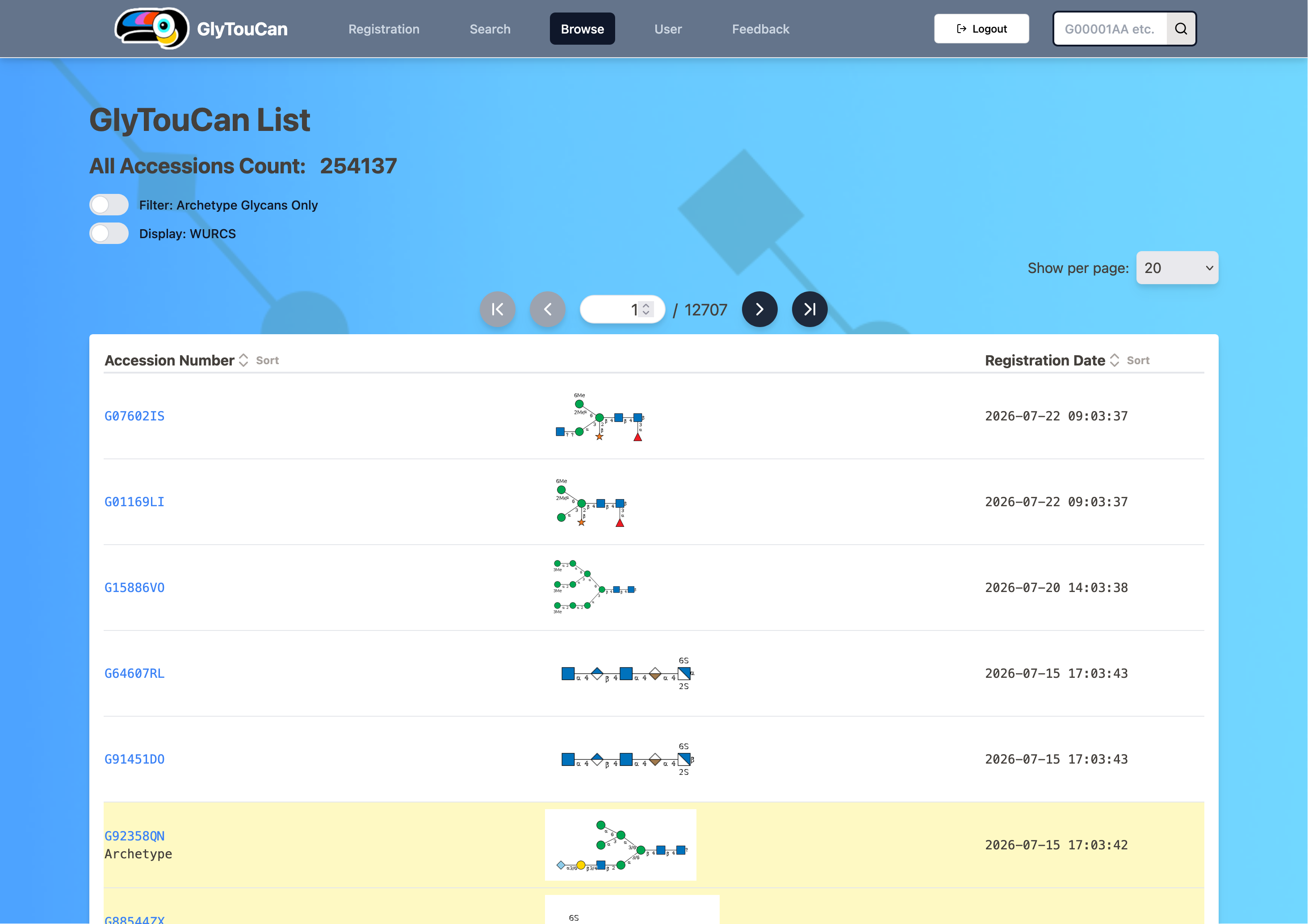
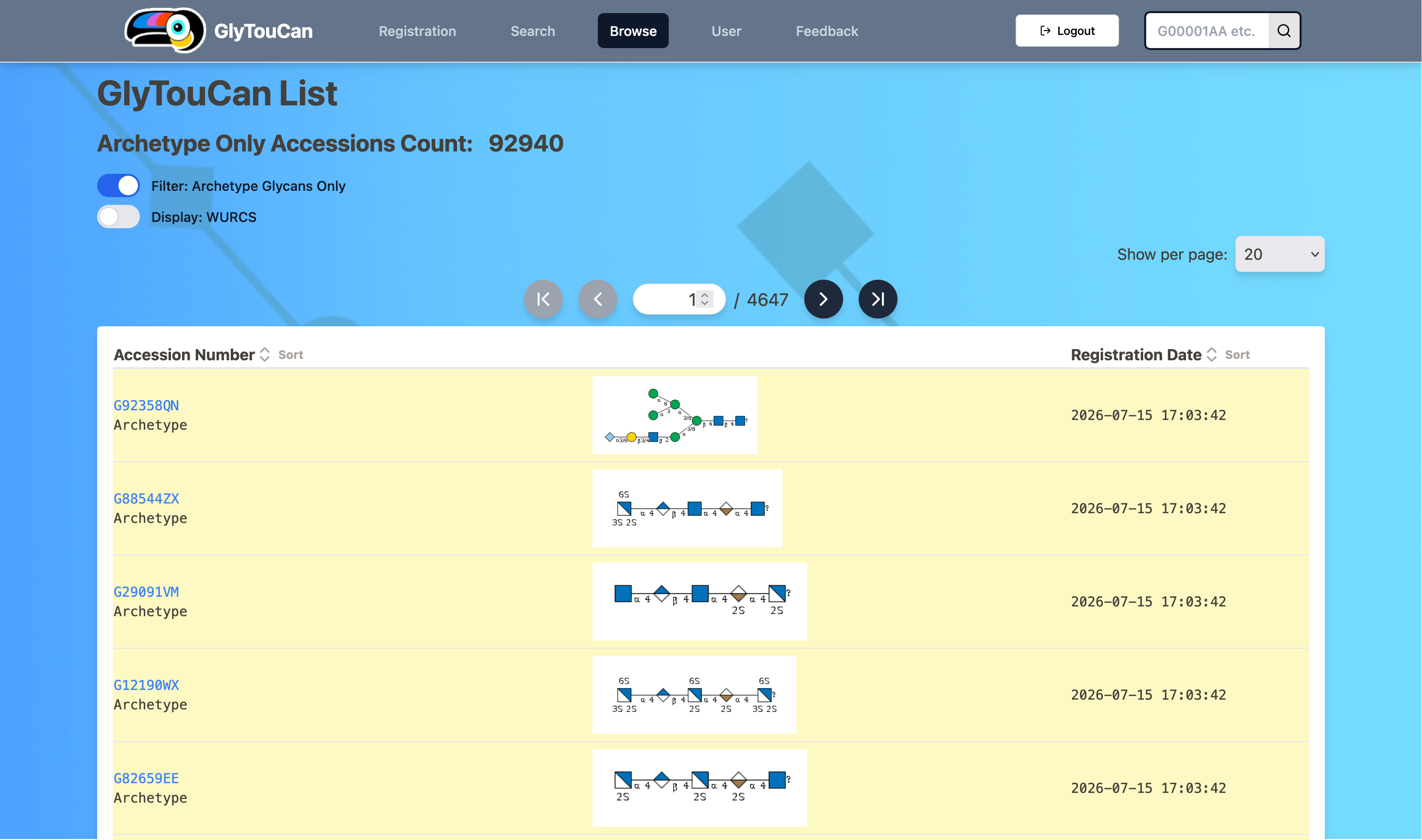
Archetype structures are highlighted on the list page, and can also be used as a filter.
¶ See also
Previous version: https://doc.glytoucan.org/en/old/user_manual